Sign Up
Visit our official site https://api.morty.live/. You can register with a custom account name, or use one of the supported third-party sites for quick sign-up.
Registration Steps
- Open the official site
- Click the "Sign Up" button
- Choose a registration method:
- Register with email
- Quick sign-up via a third-party account
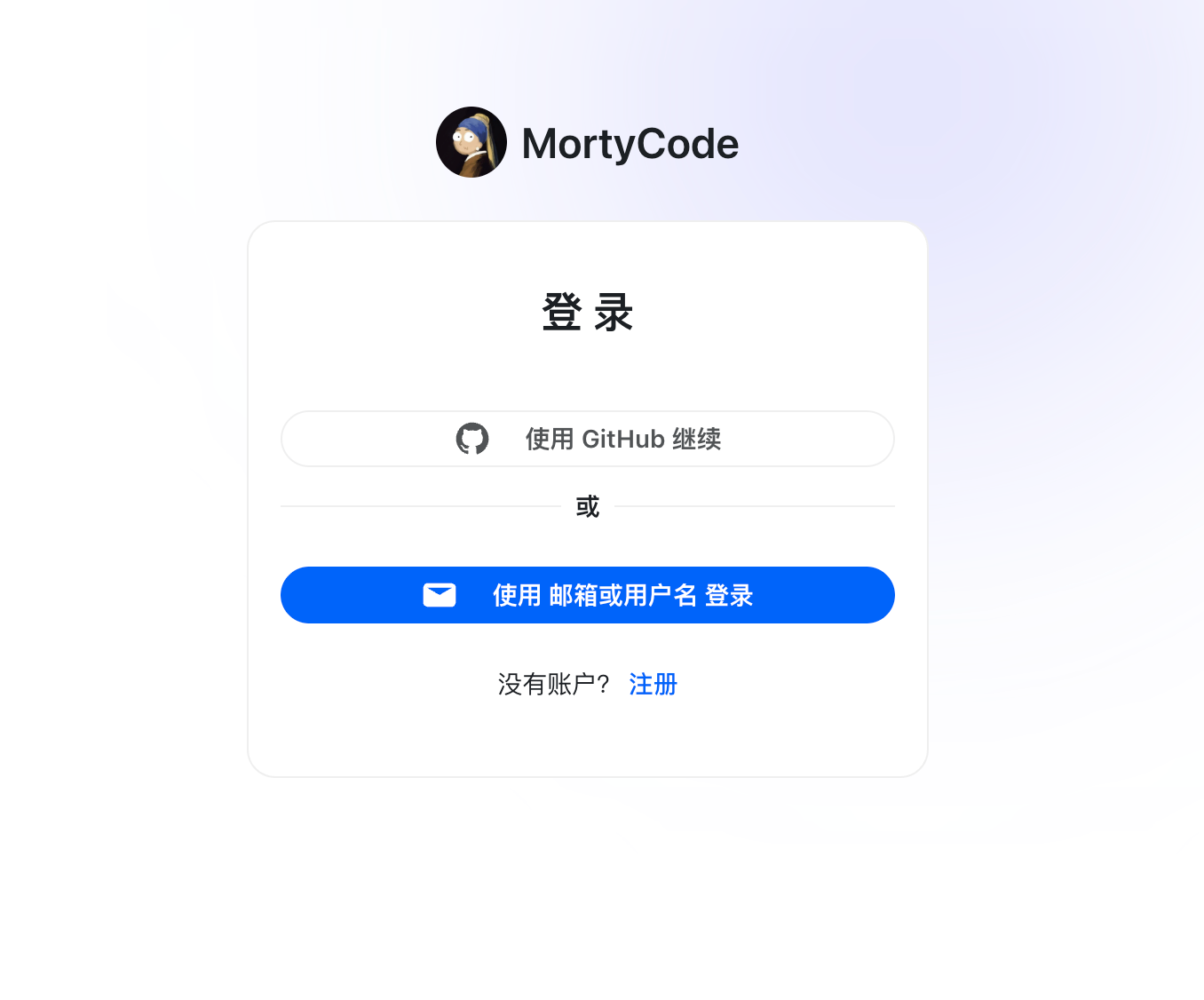
Registration Methods
Email Registration
- Enter your email address
- Set a password
- Receive a verification email
- Complete registration
Quick Sign-up
Quick registration is supported via:
- GitHub
💡 Tip
We recommend registering with email — it makes password recovery and receiving notifications much easier.
After Registration
Once registered, you can:
- Create your own API Key
- Start using AI coding tools
FAQ
Didn't receive the verification email?
- Check your spam folder
- Confirm the email address is entered correctly
- Wait 1–2 minutes and try again
- Contact support for help
Forgot your password?
On the login page, click "Forgot password" and reset it via your registered email.
Next Steps
- Create your own API Key — Get your API key
- Modify token settings — Configure token parameters